
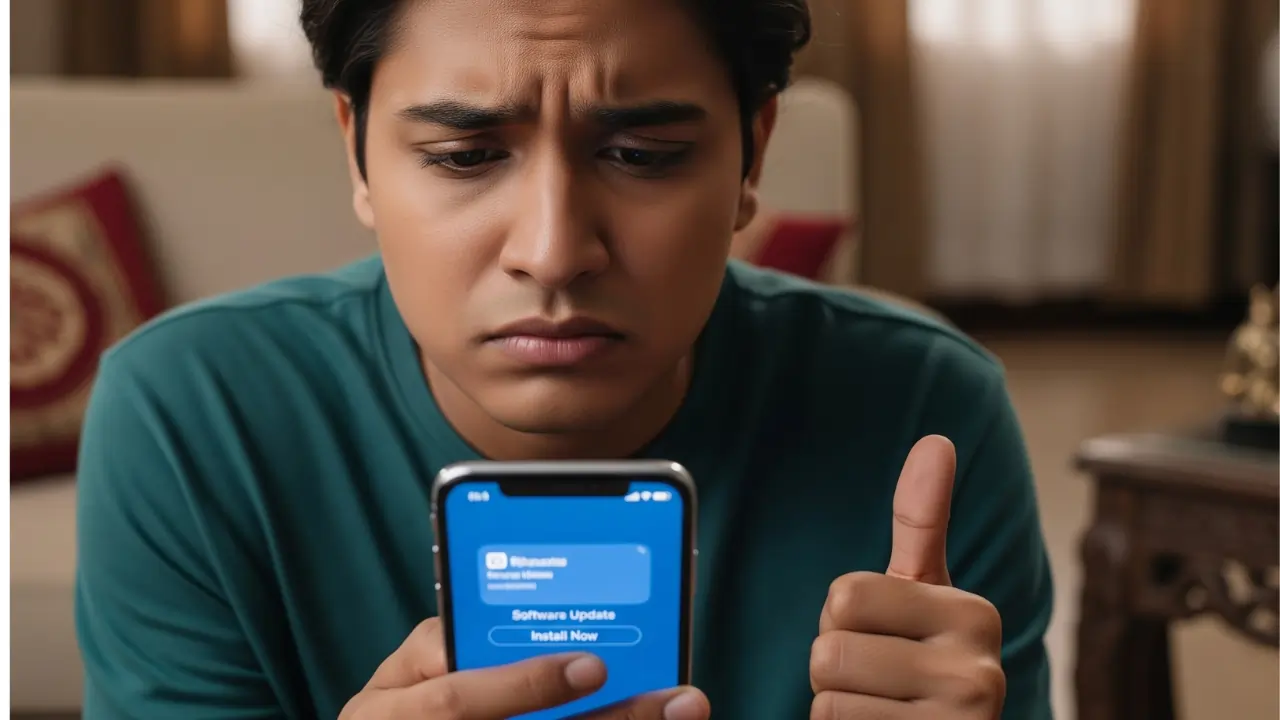
You know exactly the feeling I’m talking about. The little red notification bubble appears on your iPhone’s Settings icon. A new major iOS update is ready to download and install. For many iPhone users in India, especially those holding onto older models like an iPhone 12, 13, or even an XR, this feeling isn’t pure excitement. It’s anxiety. Will my battery life tank? Will my phone suddenly feel sluggish and laggy?
The Annual Dilemma: New Features vs. “Will My iPhone Survive?”
Every year around this time, Apple unveils its latest software with a ton of fanfare. They show off flashy new features—maybe some new AI tricks, more lock screen customization, or updates to iMessage and Photos. It all looks great in a carefully produced keynote video. But back here in reality, our concerns are much simpler, aren’t they?
Let’s be honest. Most of us aren’t using our phones to create complex multi-layered photo edits or automate every part of our lives with complicated shortcuts. We need our phones for the basics: reliable UPI payments, clear WhatsApp video calls, navigating through city traffic with Google Maps, and scrolling through Instagram without stuttering. The biggest question for us isn’t, “What new things can my phone do?” It’s, “Will my phone still do the old things properly after this update?”
This fear is especially true in India because we tend to hold onto our devices for longer. An iPhone isn’t a casual purchase here; it’s a significant investment. We expect it to last three, four, or even five years. So when an update threatens to shorten that lifespan, we get nervous, and rightly so.
Let’s Talk About “Planned Obsolescence” for a Minute
Whenever an update seems to slow down older hardware, people immediately cry “planned obsolescence.” This is the theory that companies like Apple intentionally slow down older phones to force you to buy a new one. Is it a full-blown conspiracy? I think the truth is a bit more complicated, but the outcome feels the same for the user.
New software features are designed for new hardware. A new AI photo feature might rely on a neural engine chip that simply doesn’t exist in an iPhone from three years ago. When the older phone tries to run that feature using less efficient methods, it naturally feels slower and uses more battery.
So, while Apple might not be sitting in a dark room plotting to kill your iPhone 12, they certainly benefit when your old phone feels sluggish right around the time new models hit the shelves. It’s a convenient side effect for them, but a massive headache for us. The result is that you, the customer, feel pressured to upgrade just to maintain the performance you already had.
Battery Life Anxiety: The Number One Killer of Good Updates
If there’s one thing that unites older iPhone users, it’s battery anxiety. Nothing ruins a perfectly good phone faster than a software update that destroys its battery life. I’ve experienced this firsthand more than once. I remember updating an old iPhone model a few years back, and a battery that used to comfortably last me until 8 PM suddenly needed a top-up by 3 PM. It changes how you use your phone entirely.
You start carrying a power bank everywhere. You dim the screen brightness to almost unreadable levels. You hesitate to use navigation on a long trip. When you rely on your phone for everything from booking cabs during peak hours to using a mobile hotspot during a power cut, battery reliability isn’t a luxury; it’s essential for getting through the day.
This is why a new feature has to be incredibly good to justify even a small risk to battery health. Before updating, always check your battery health percentage in Settings. If you’re already below 85%, be prepared for a noticeable drop in daily screen time after installing a large OS update.
Are You Really Missing Out on Those Flashy New Features?
Apple’s marketing team excels at creating FOMO (Fear Of Missing Out). They showcase features that look amazing in 30-second ads. But I want you to ask yourself a serious question: how many of those new features from last year’s update do you actually use today?
Maybe Apple added new ways to customize your lock screen or new filters in iMessage. Did you set it up once, think “that’s neat,” and then completely forget about it? I find this happens all the time. We chase features that offer very little practical value in our day-to-day lives.
I’ll take system stability over feature bloat every single time. I would rather have a keyboard that appears instantly when I need to reply to a message than have an AI feature that suggests emojis based on the conversation context. On an older phone, the resources required to run these background “smart” features can chip away at performance, making the core experience worse.
My Pre-Update Checklist for Cautious Users
Over the years, I’ve developed a strict routine for dealing with major iOS updates. It’s saved me from a lot of trouble, and I highly recommend following a similar path, especially if your phone isn’t brand new.
- Wait for the “.0.1” Patch: Never install the first version (e.g., iOS 18.0) on day one. Let other people test it. The first version almost always has bugs. Apple typically releases a patch (iOS 18.0.1) within a week or two to fix the most serious problems. I wait for that patch.
- Backup Everything First: Before you even think about downloading the update, back up your phone. Use iCloud or connect it to your computer and do a full backup. If the update fails or causes a major issue, a factory reset might be necessary, and you don’t want to lose your photos and data.
- Check Online Forums: Spend ten minutes on sites like Reddit or tech forums. Search for your specific iPhone model plus the update version (e.g., “iPhone 13 battery drain iOS 18”). If you see widespread complaints from users with the same model, delay updating until a fix is announced.
- Free Up Storage Space: Make sure you have at least 5-10 GB of free space on your device before starting. Updates need room to unpack and install. A phone running on low storage often feels slow and can run into errors during installation.
Risk vs. Reward: Who Should Update and Who Should Wait?
Here’s a simple breakdown of how I see the decision process for different types of users.
| User Profile | Primary Concern | Update Recommendation |
| The Tech Enthusiast (New Phone: iPhone 15/16) | Getting new features immediately. | Go for it on Day 1. Your phone’s hardware can handle it, and you enjoy testing new things. |
| The Average User (Mid-life Phone: iPhone 13/14) | Balancing new features with stability. | Wait for the first patch (e.g., iOS X.0.1). Update after confirming there are no major battery drain issues reported for your model. |
| The Cautious User (Older Phone: iPhone 11/12/SE) | Battery life and performance stability. | Wait as long as possible (maybe a month or two). Read multiple reviews and user reports before committing. Prioritize reliability over features. |
Frequently Asked Questions
What if I already updated my iPhone and my battery life is terrible now?
First, don’t panic immediately. After a major update, the phone spends a day or two re-indexing files in the background, which consumes extra power. Give it 48 hours. If it’s still bad, check Settings > Battery to see if a specific app is causing the drain. As a last resort, backing up your phone and performing a full factory reset can sometimes solve persistent software bugs.
Is it safe to update my iPhone 12 or iPhone 13 right now?
These models are generally quite capable and should handle recent iOS updates reasonably well. However, my advice still stands: wait for the first minor patch update (X.0.1) instead of installing on launch day. This lets Apple iron out the initial bugs that might specifically affect battery performance on these models.
But aren’t security updates important? Shouldn’t I install immediately for safety?
This is a valid point. Security patches are crucial. Apple often releases minor security-only updates separately from major feature drops. If it’s purely a security patch, install it. However, if it’s a huge new operating system version (like iOS 18 or iOS 19), the risk of major bugs often outweighs the immediate security benefit for a few days. Waiting a week for a stable patch is generally a safe compromise for most users.
It feels like Apple is forcing me to buy a new phone. Is that really fair?
It’s a frustrating situation. While Apple provides software updates for longer than any Android manufacturer, the quality of those updates on older hardware can feel like a backdoor push towards upgrading. In my opinion, it’s a business decision. They prioritize the experience on new hardware. For users in India who treat phones as long-term investments, it feels unfair, and it’s why you should be cautious and protect your device’s usability.
